Game context
Bring Helios activities, opponents, dates, duration, scores, and win or loss results into a readable season record.
 AfterShiftHockey video workflow
FROM GAME DATA TO GAME FILM
AfterShift brings Helios activity, game outcomes, rink details, and available footage into one clear workflow, so the next step is obvious after every final whistle.
Less chasing. More time reviewing the game.
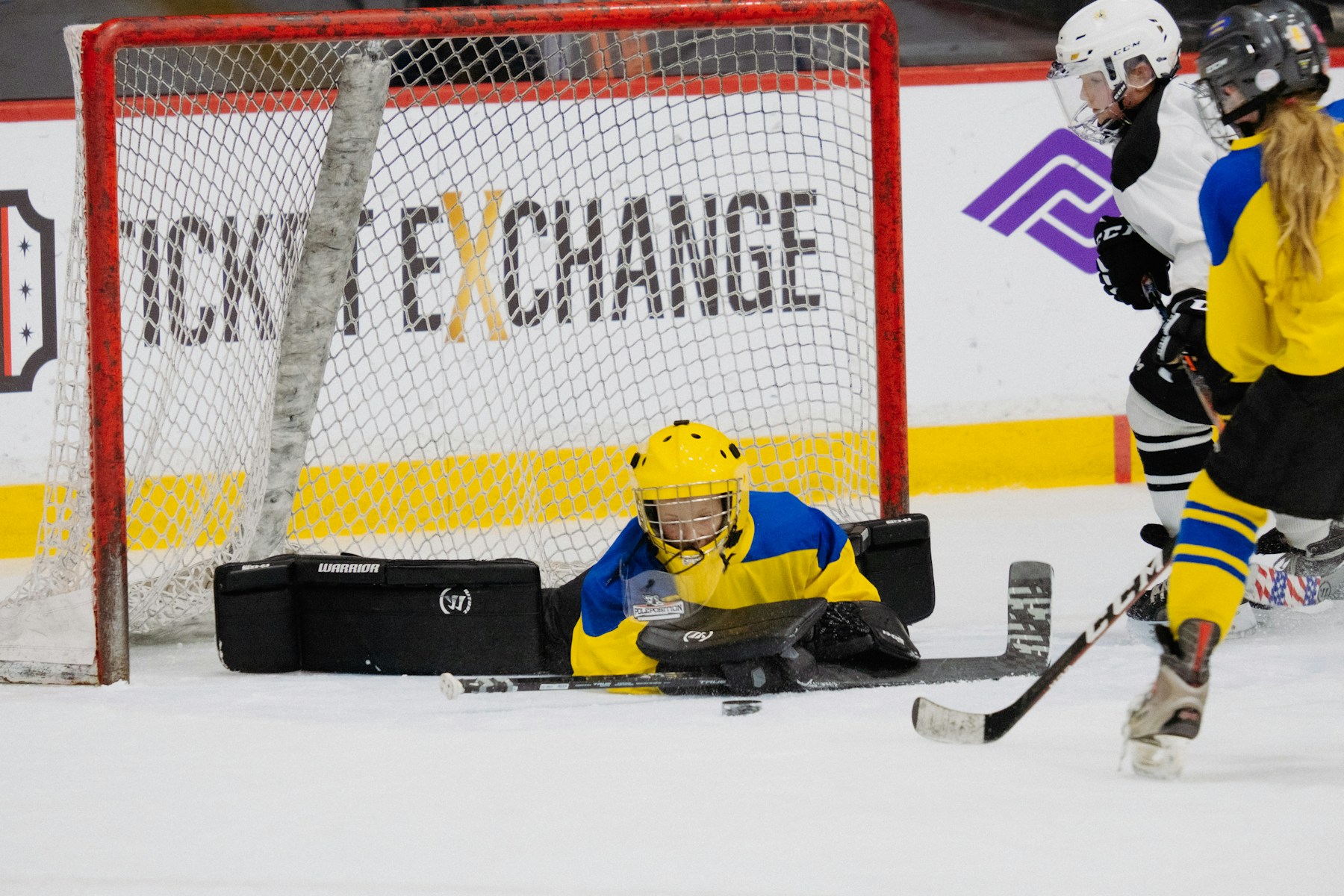
Keep game data together.
Match footage to the right rink.
Know what needs attention.
THE POST-GAME PROBLEM
A hockey parent can have a score in one app, skating data in another, and game video sitting behind a rink, time, and provider search. Then the same questions return next weekend: Which surface was it? Which footage belongs to this game? Did the upload finish?
AfterShift turns that scavenger hunt into a guided record for every game. It keeps the game context, the video path, and the outcome together, while leaving the exceptions visible instead of buried in a browser tab.
Start building a calmer seasonWHAT AFTERSHIFT HANDLES
AfterShift does not replace the tools your family uses. It connects the steps between them.
Bring Helios activities, opponents, dates, duration, scores, and win or loss results into a readable season record.
Use the game time, arena, rink, and provider details to narrow the search for the footage that belongs to that exact game.
Confirm a venue and surface once. AfterShift remembers the decision so recurring arenas do not become recurring research.
See missing footage, incomplete uploads, expired availability, and unresolved locations in one review queue instead of discovering them later.
HOW IT WORKS
Add Helios and the video providers that carry your games. Your connections are managed from one profile page.
When the arena, rink, provider, and footage are clear, the workflow can move forward. When they are not, AfterShift puts the decision in front of you.
Open the player library when you want to see the season, the result, and the video status without rebuilding the story from scratch.
A QUIETER CONTROL ROOM
Start with the family picture. Then open the game library when it is time for the detail behind a result, a rink, or a video status.
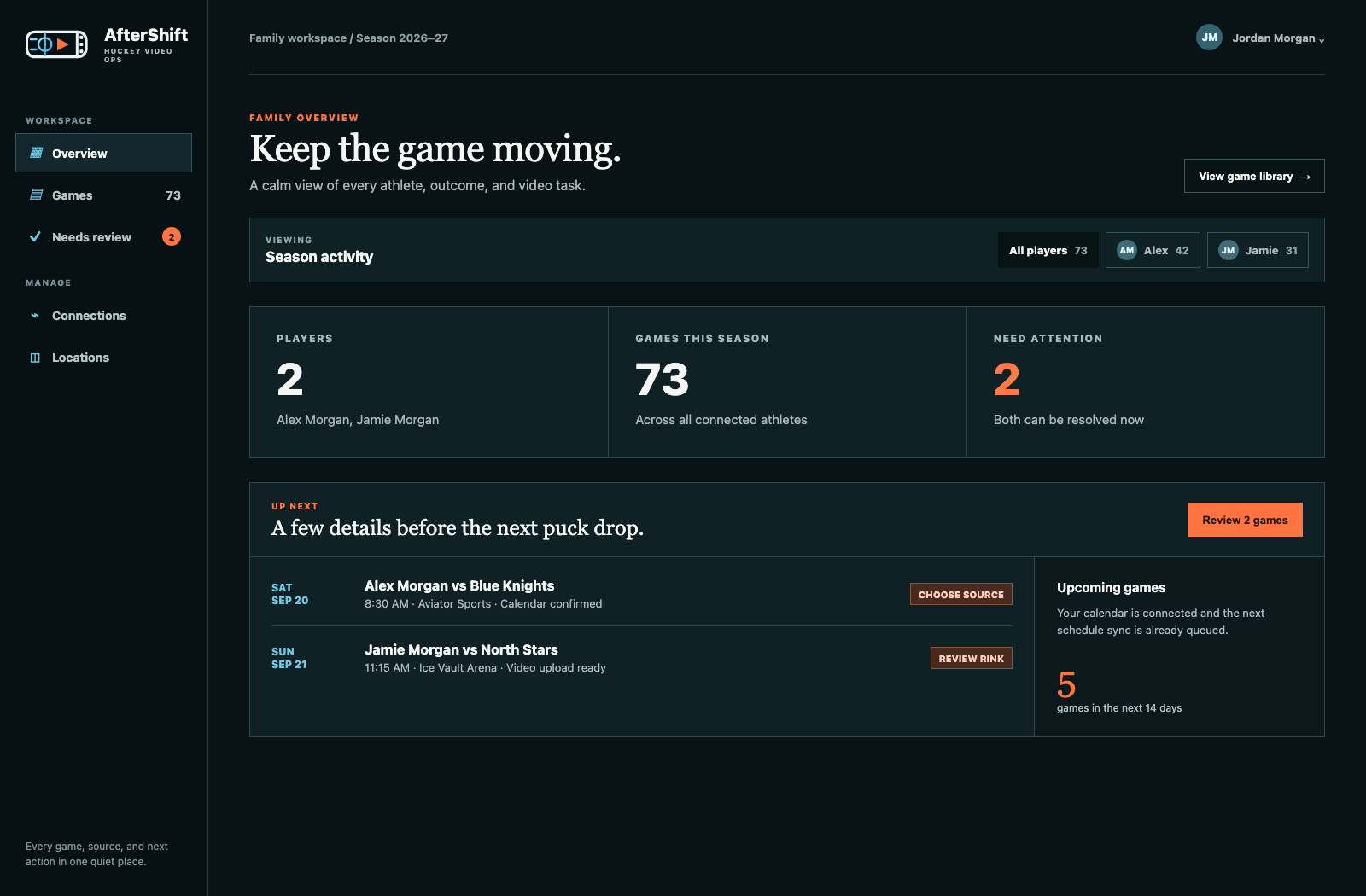
See every player, season total, and next action before you open a single game.
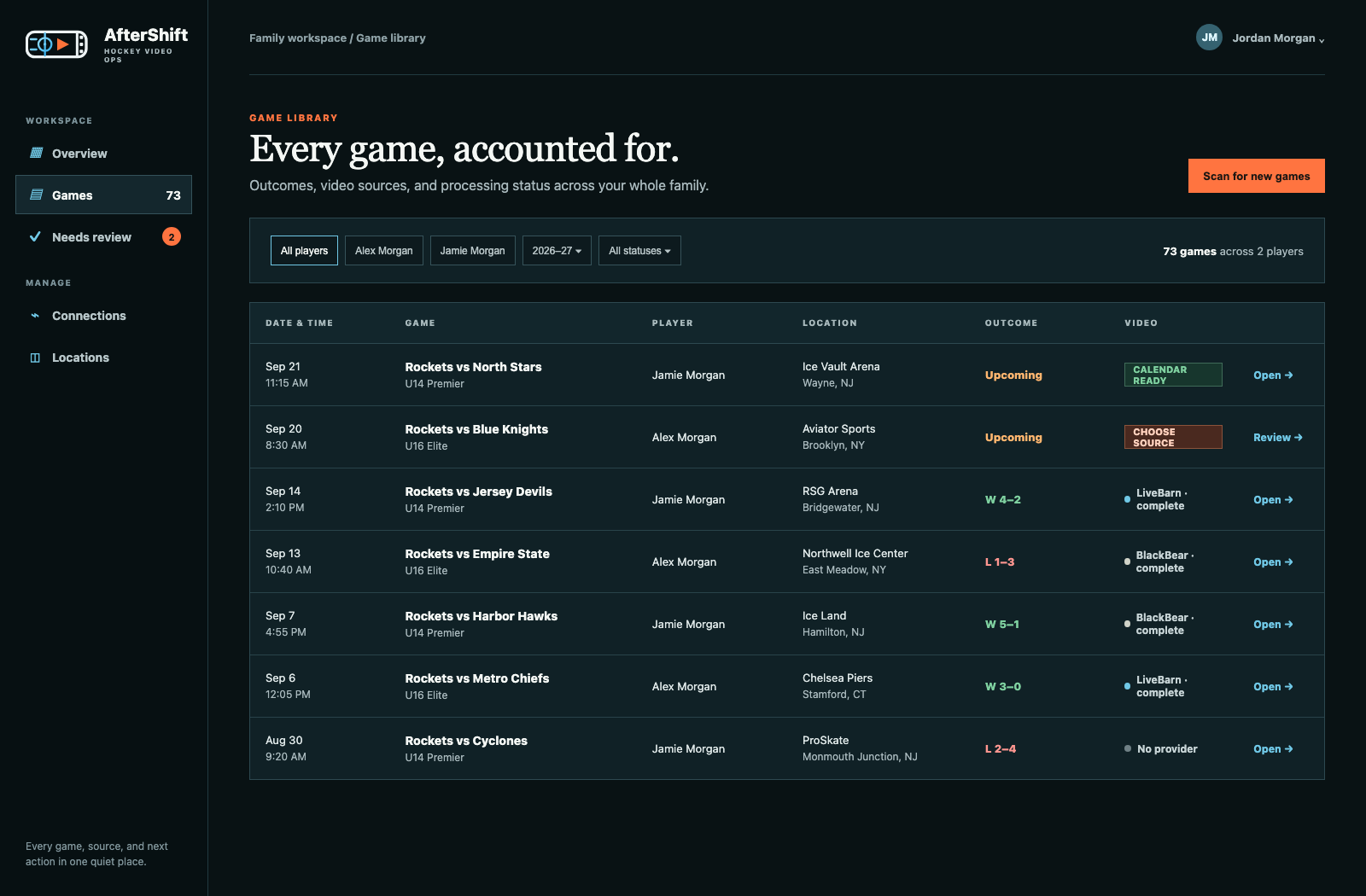
Filter the season by player and find the outcome, location, source, and video state in one row.
ACCOUNT CONTROL
Connect only the services your family uses. Credentials are encrypted at rest, are never displayed back in AfterShift, and can be removed when you choose.
Footage availability still depends on each provider, the event, and any required game tagging. AfterShift makes those limits clear instead of hiding them.
BUILT FOR THE REALITY OF HOCKEY FAMILIES
See the full household season together, then move into an individual player library when you need the detail.
Missing video, an incomplete upload, or an unconfirmed rink becomes a clear item to resolve, not a task to remember.
Every confirmed rink and provider choice makes the next game at that surface less manual.
COMMON QUESTIONS
No. Those services remain the source for your activity data and footage. AfterShift organizes the work between them so the game context and video status live in one place.
Yes. Start with a household overview, then filter to a specific player and open that player’s game library when you want a focused season view.
AfterShift places the game in Needs Review and shows the information needed to make the provider, arena, or rink decision. A confirmed choice can be reused for future games at the same surface.
Provider retention windows, unavailable events, and missing game tags can all prevent footage from being processed. AfterShift records the reason so you do not keep retrying the same unavailable game.
Yes. You can remove account connections from your profile at any time. AfterShift does not display stored passwords back to you.
READY FOR A CLEANER POST-GAME ROUTINE?